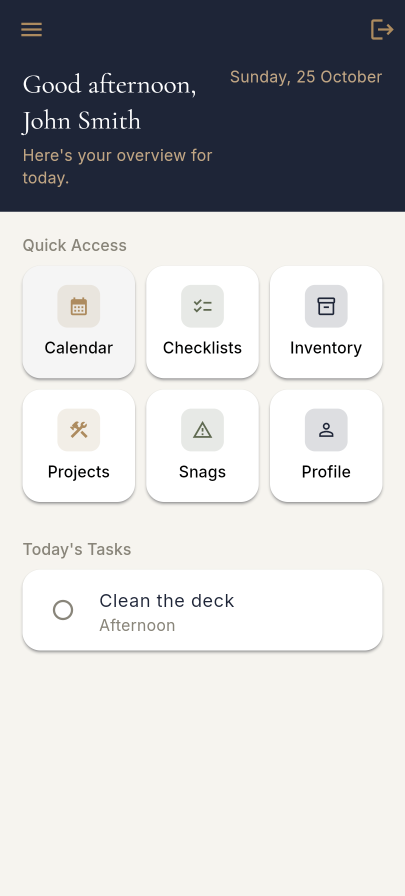
Home dashboard
Open the app to today's events for the whole boat and your own tasks, ready to tick off. Quick access tiles take you straight to the calendar, checklists, inventory and shipyard.
Open the app to today's events for the whole boat and your own tasks, ready to tick off. Quick access tiles take you straight to the calendar, checklists, inventory and shipyard.
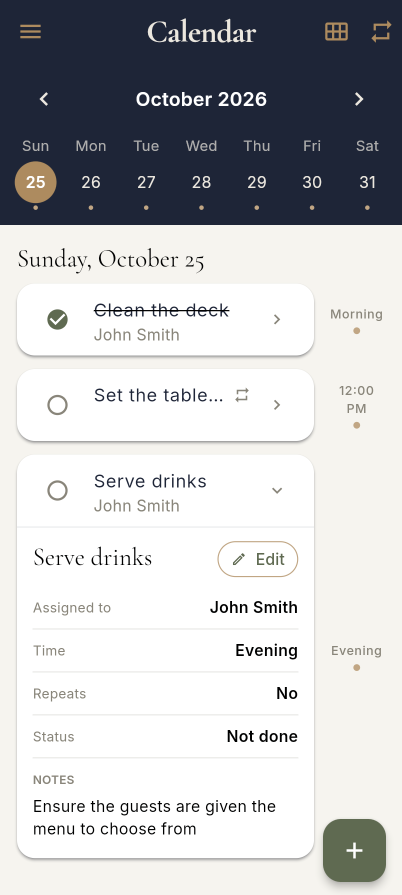
Pick a day from the week strip and see its tasks by time or part of day. Assign them to crew, add notes, set them to repeat, and tick them off as they're done.
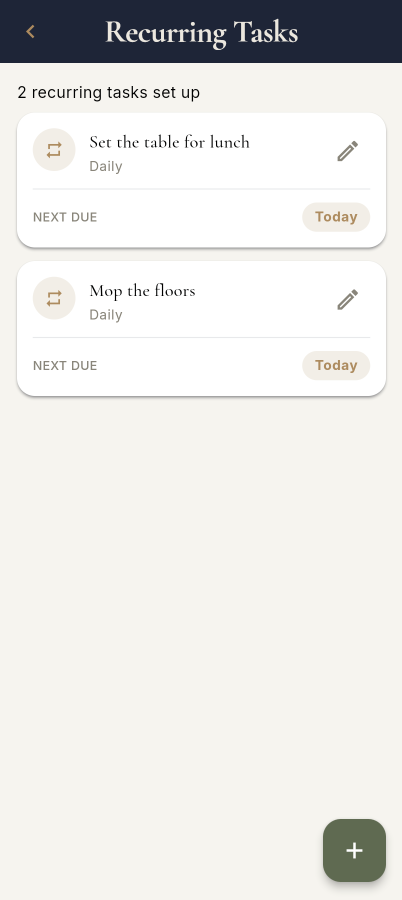
Set a duty once — daily, monthly or on custom days — and it appears when due. See every series with its next due date, edit it, or delete the whole run.
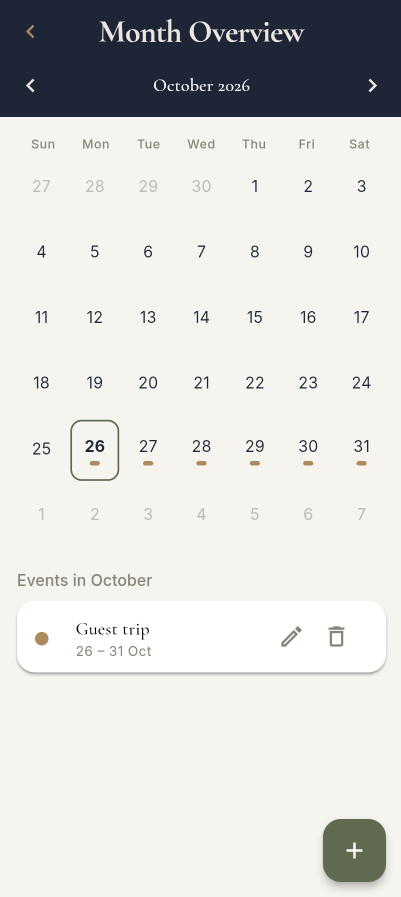
Plan the month at a glance. Add multi-day events such as guest trips and charters so everyone on board sees what's coming.
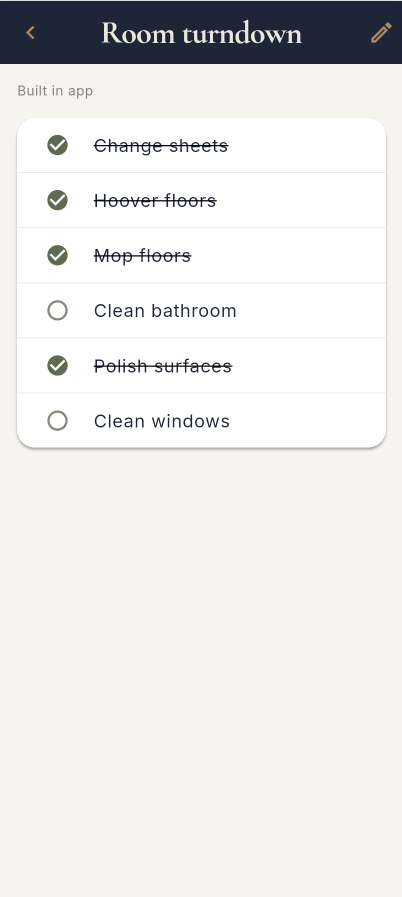
Build service, turndown and detailing checklists in the app, or upload your existing PDF and read it on board. Import a PDF into an editable task list and track progress as you go.
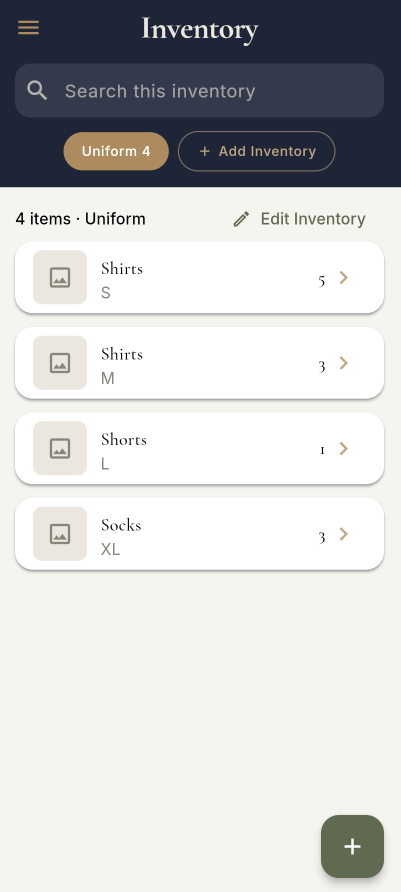
Keep multiple inventories with categories, search and photos. Adjust quantities with a tap and see at a glance what's running low.
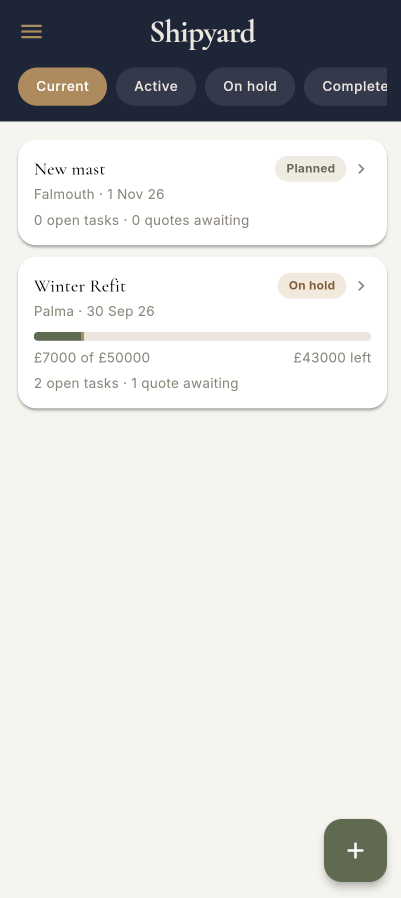
Run each yard period as a project with its yard, dates, budget and status. Current and closed projects are kept separate, with everything for a project in one hub.
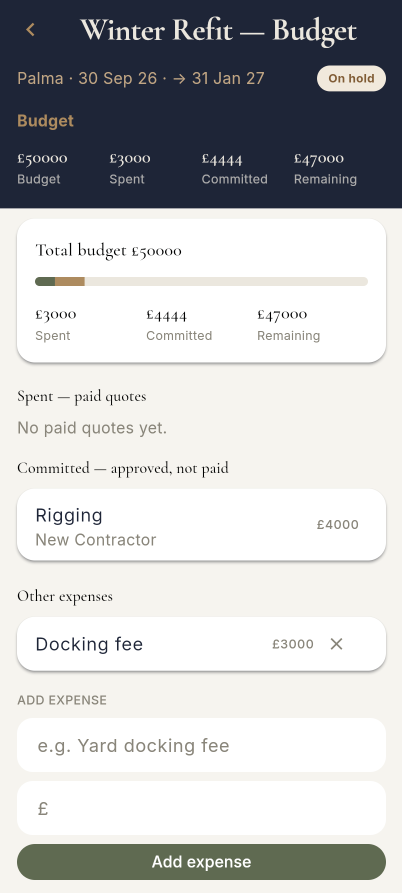
See what's spent, committed and remaining against the total. Paid quotes feed in automatically and you can add other expenses.
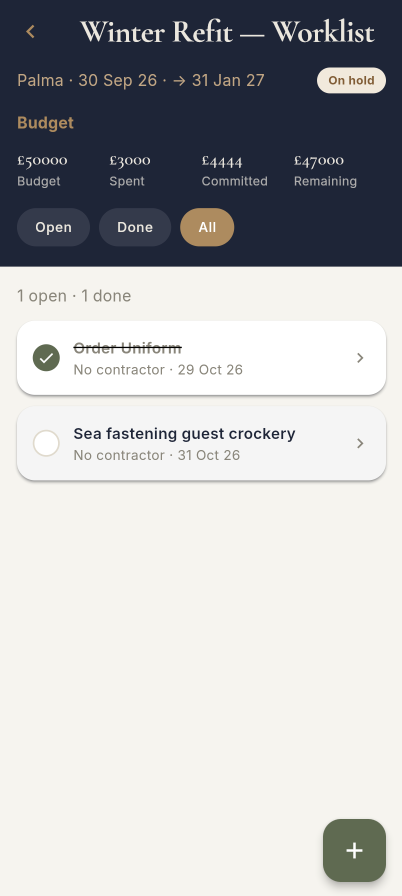
Track every job with its contractor and date, filtered by open or done. Worklist tasks also show on the calendar for the day they're due.
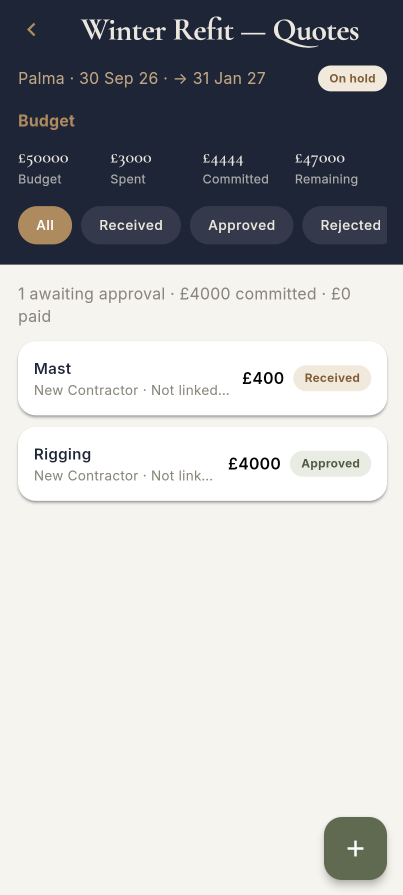
Log quotes by contractor and amount, link them to a job and attach the PDF to view it in the app. Follow each one from received to paid.
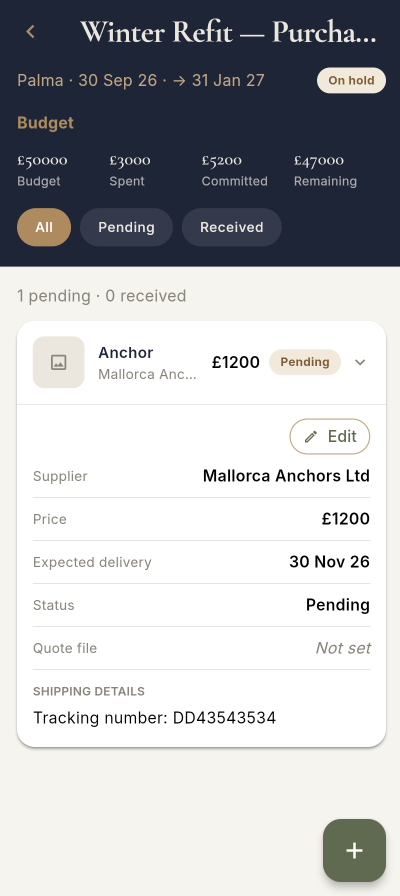
Record what you've ordered, from whom and at what price, with expected delivery, shipping details, a photo and the quote attached.
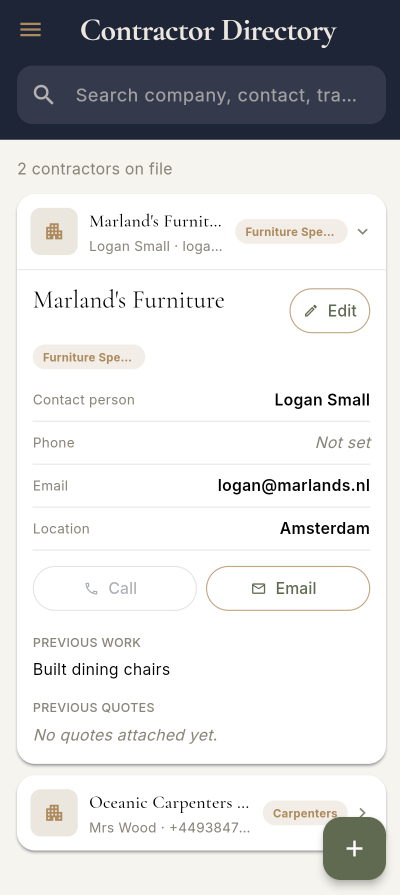
One searchable list of contractors across all projects. Call or email in a tap, and see their previous quotes and work before you hire.
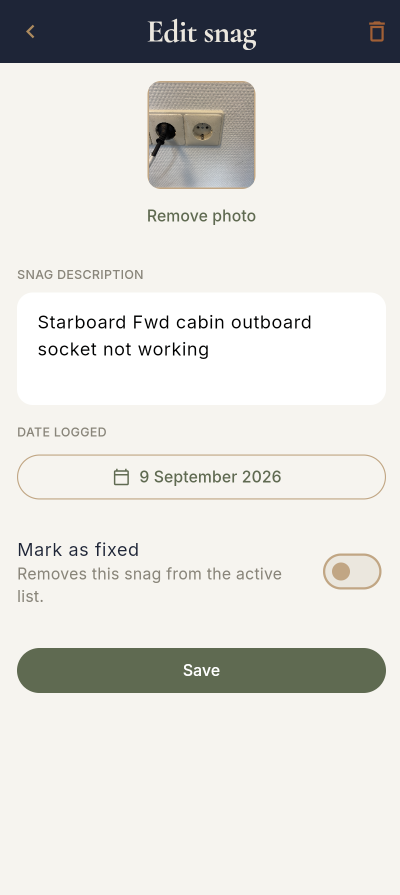
Log defects by area with a description, date and photo, and mark them fixed. Fixed snags move to a searchable history grouped by month.
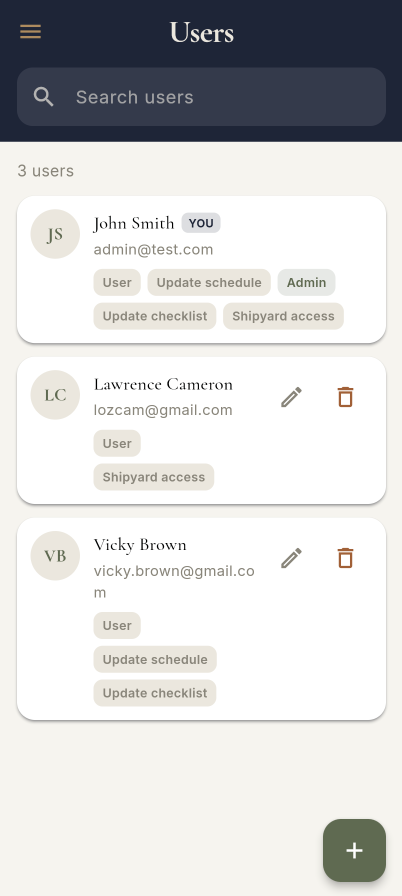
Admins invite crew, see who has joined, and choose what each person can access. Removing someone is a swipe.